Quick answer
To budget for a studio or one-bedroom apartment, list the equipment you need, check current prices in your region and add quantities, delivery and selected services. Separate immediate purchases from those that can wait. Your total will depend on the products, the apartment’s condition and the scope you choose.
1. Define what you need to buy
Inventory your furniture and the equipment already in the apartment. In a one-bedroom apartment, list the living room and bedroom separately to identify shared purchases. Check dimensions, sockets, building access and delivery conditions. Note which items you will keep, replace or buy, then give each need a priority.
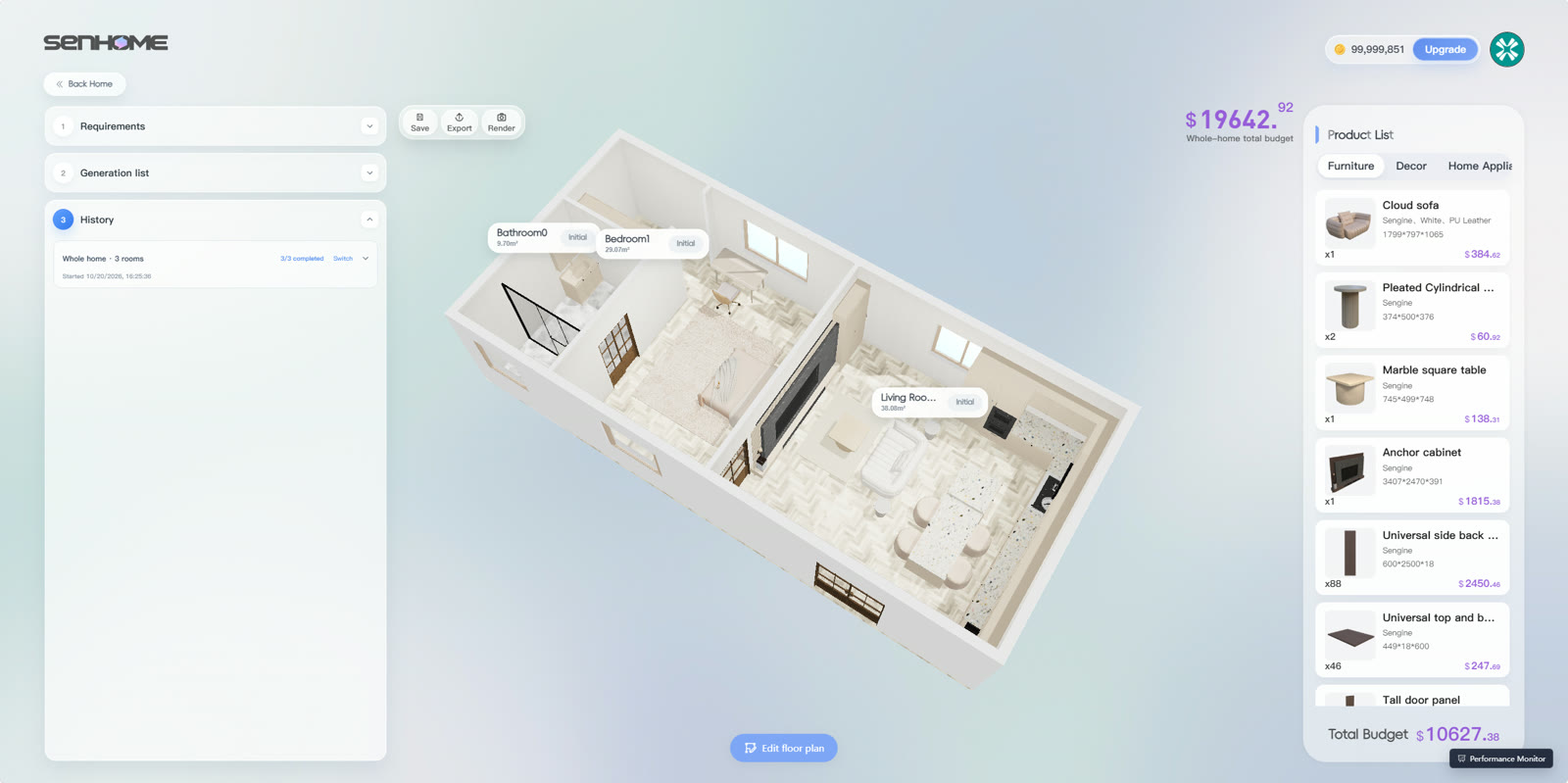
2. Build the worksheet one line at a time
Create columns for item, dimensions, quantity, seller, unit price, charges, quote date and priority. For each line, multiply quantity by unit price, then add charges specific to that item. Use these categories to prepare your lines.
- Sleeping — bed frame, mattress and necessary bedding, taking retained items into account.
- Living and dining — seating, table and chairs according to the uses you actually plan.
- Storage — units, interior accessories and fixings where planned.
- Equipment — appliances, lighting and window coverings needed for the apartment.
- Services — delivery, assembly and work priced separately in the quotes.
3. Check size before comparing prices
In SenHOME Web, examine furniture in the room and compare model dimensions. Enter the measurements of the product you can actually buy in your worksheet. Check circulation, storage openings and the route into the apartment. A different depth can change your furniture choice and the associated quote.
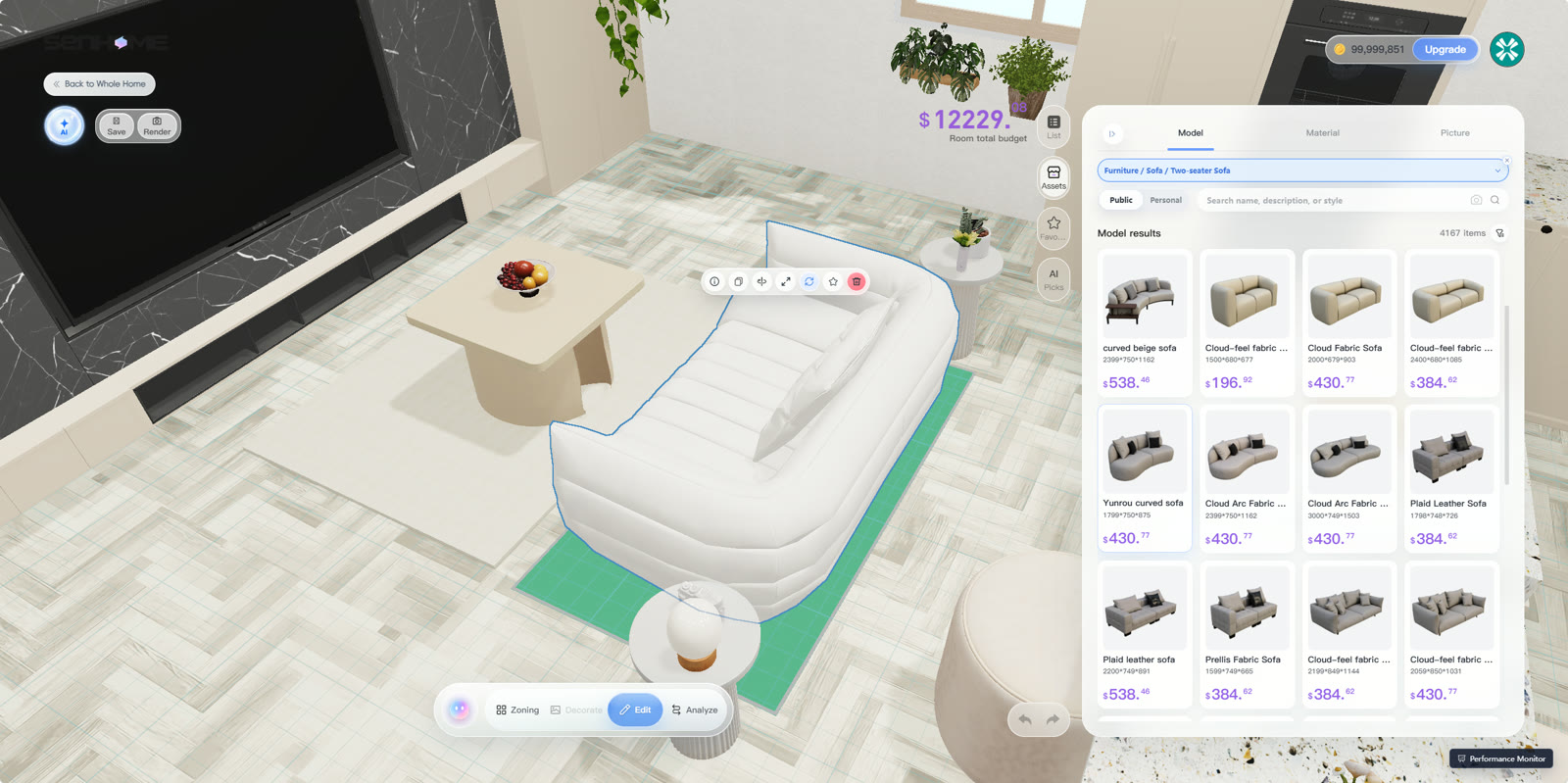
4. Add the totals and update the quotes
Add the selected lines and shared charges once. Include a contingency line with an amount you choose. Compare the total with your budget and postpone secondary purchases if needed. Before ordering, check validity, taxes, delivery and assembly in each quote. Keep an update date so you can compare versions.
The guide to rearranging your existing furniture helps prepare the inventory and layouts.