A bedroom with a patterned wall, a bed, an armchair and a bench with plants is already open in the 3D editor. The recording takes up a specific question. How do the beige fabrics and patterned wall look in bright light, at dusk and at night? The three images from the AI room planner show which details stand out more in each view.
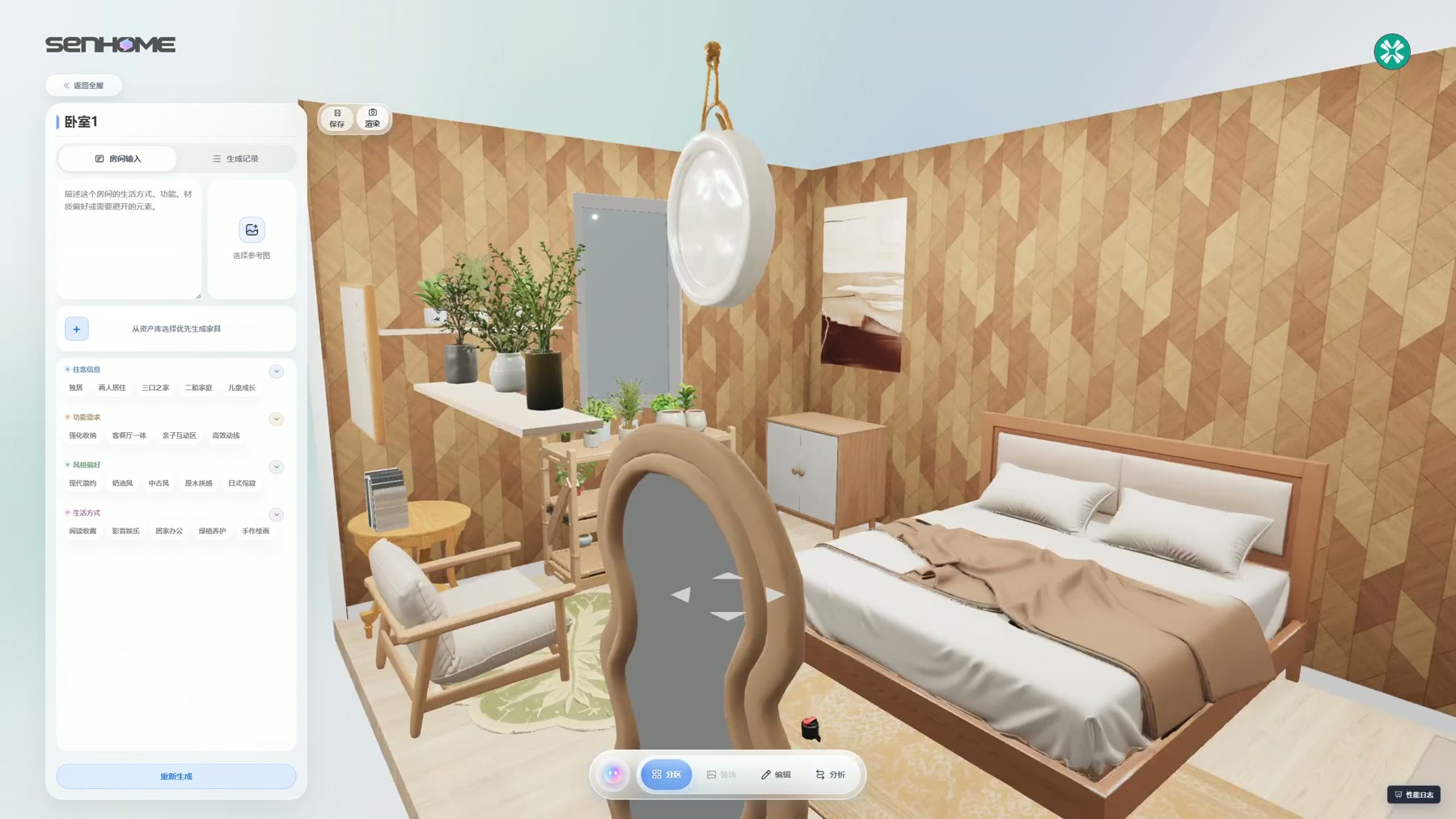
From a furnished model to the first rendering
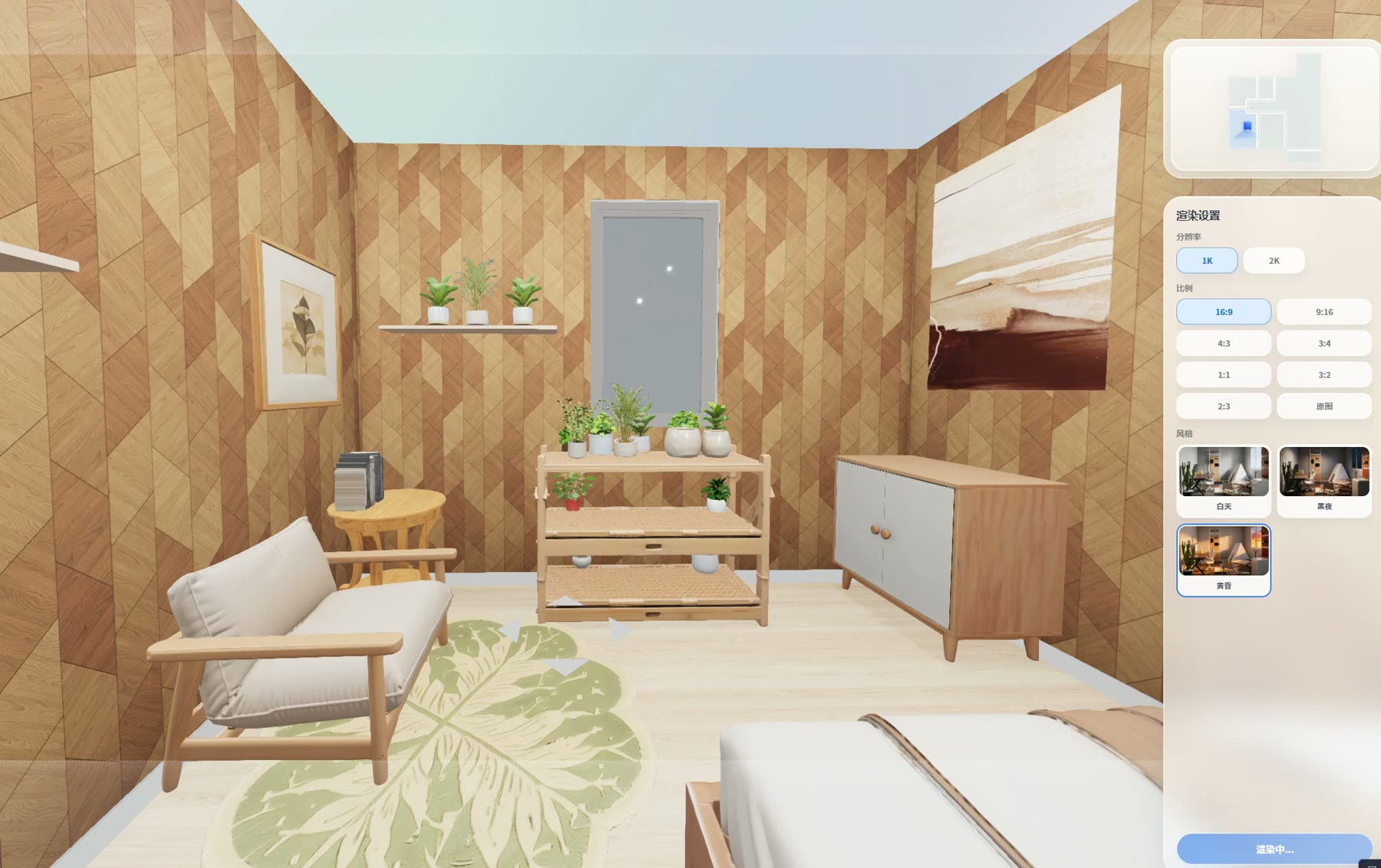
The recording moves from the editor to the rendering view in SenHOME Web. The view pulls back from the window area until both the bed and seating area are in the frame. This lets you see how the light falls across the room in the result.
The rendering settings show three lighting options. The recording shows the dusk option selected and a list of several saved images of the same room. The window frame and wall pattern remain useful reference points as you switch views.
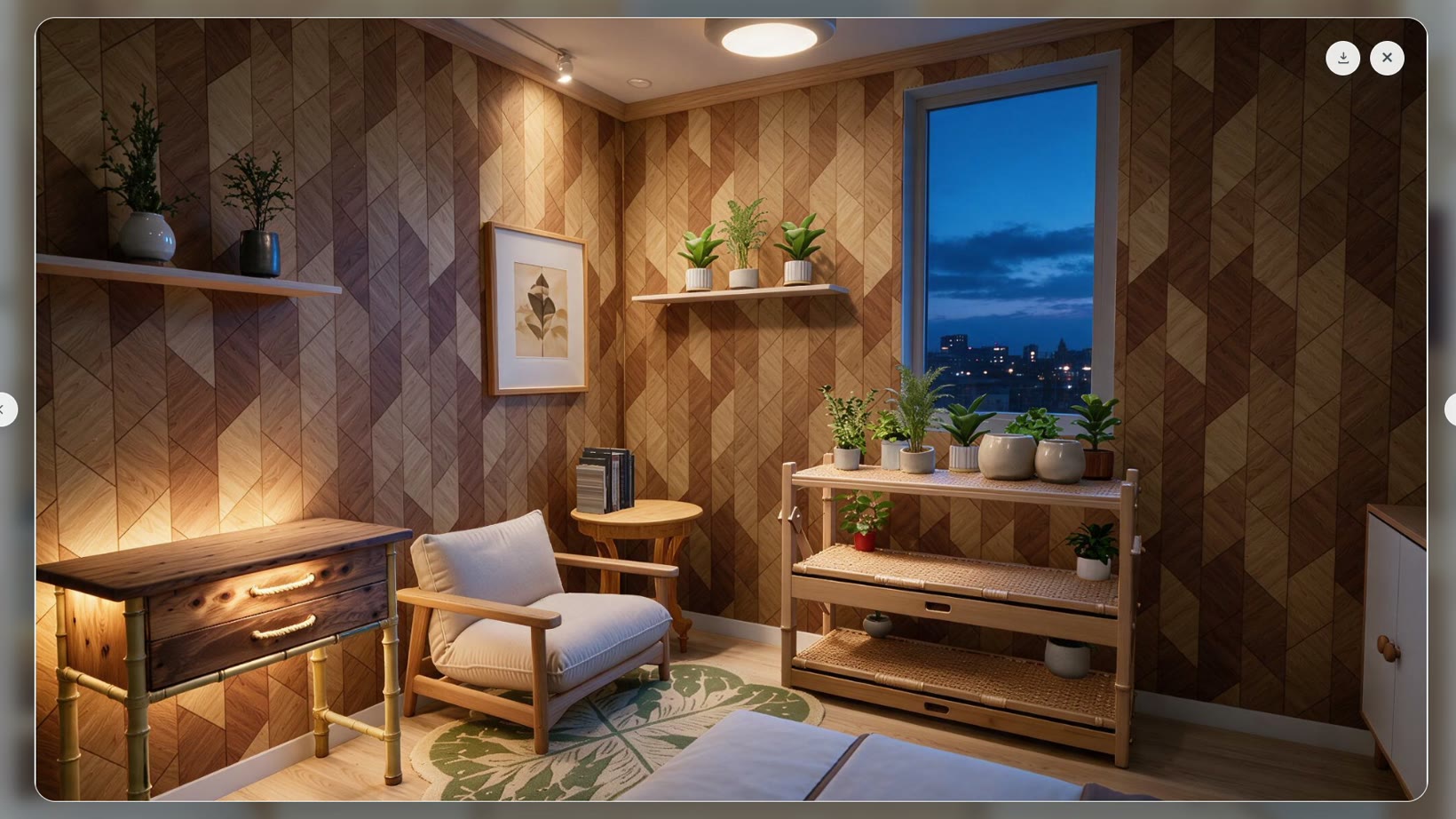
At night, the seating area draws the eye
The armchair stands out more in the night view. The blue at the window sets off the warm light on the left wall, while parts of the room look darker. The camera is closer to the seating area here than in the other two images. For a useful comparison, look at details visible in all the views, such as the window and the planter on the bench.
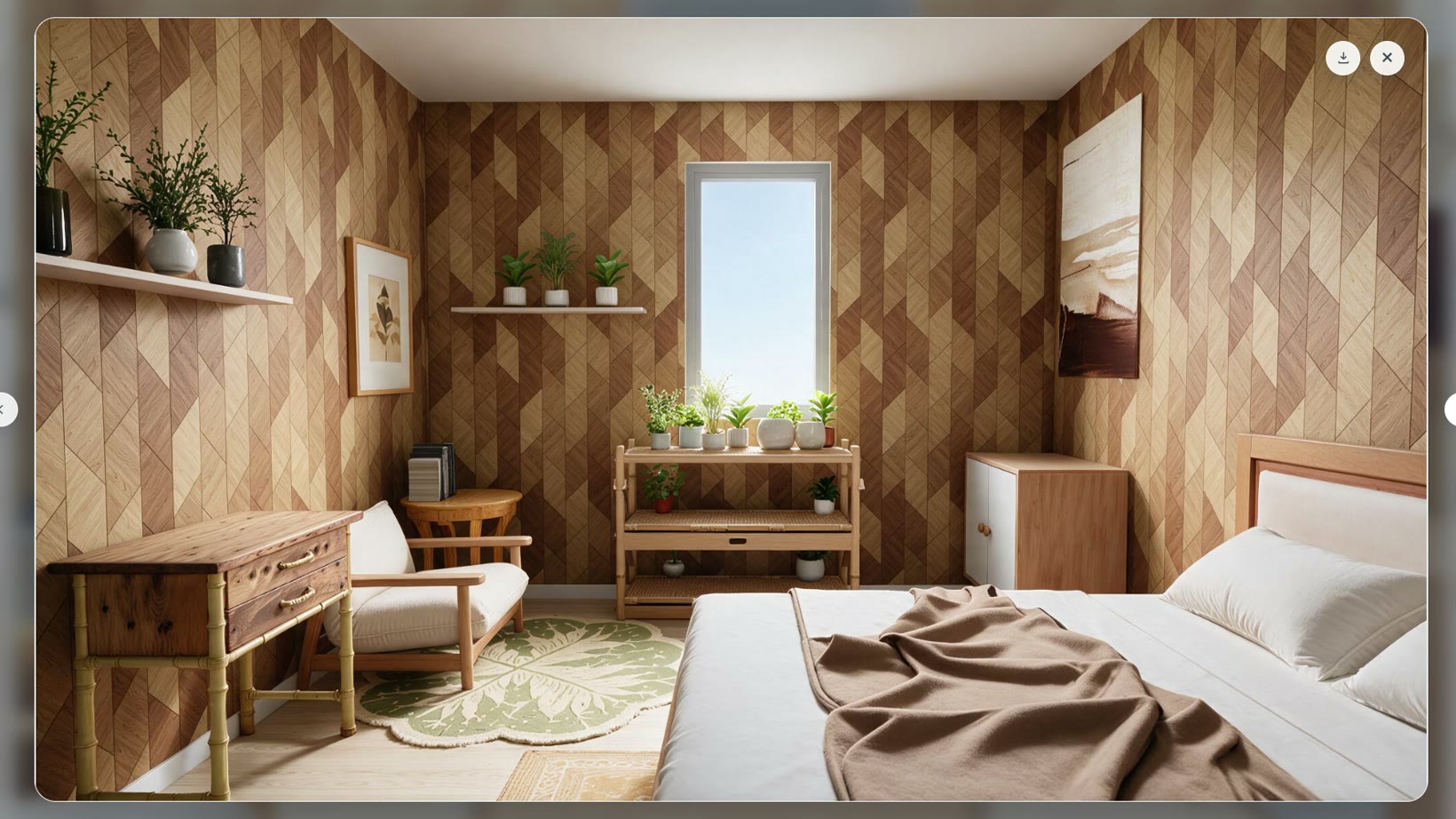
Day and dusk are easier to compare from similar angles
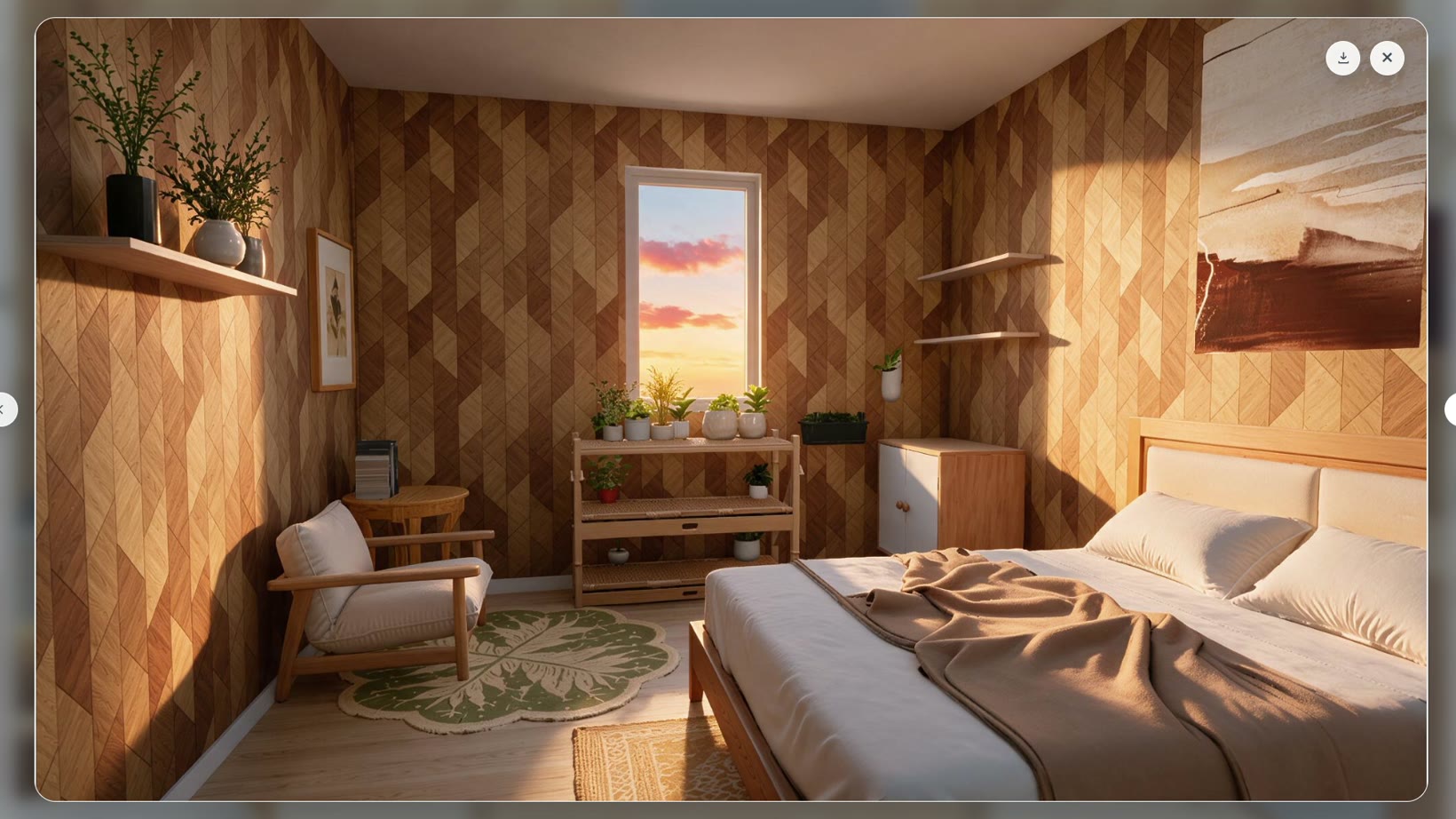
In the daylight view, the bedding, wood and wall pattern are clear right into the corners. Those same surfaces look warmer at dusk. A strip of light falls across the bed, and the pattern on the right wall stands out more. The window and bed sit in roughly the same position in both images, making the lighting changes easy to spot when you switch between them.
What the comparison tells you before decorating
The images give you a sense of how the light could feel in the design. When planning a real room, also check wall patterns, fabrics and lights where you intend to use them. The SenHOME guide to designing and rendering a room explains how to prepare a view and choose rendering options.