Quick answer
Start your gaming room setup with the actual screen and the order in which you use your input devices. Test the keyboard-and-mouse state, the gamepad state and the arrangement after putting things away separately. Rather than laying every device across the desk, distinguish what you are using from what needs a temporary place. Check whether the same arrangement feels comfortable when moving the chair and standing up before deciding where the furniture goes.
1. List your usual play modes and devices
Gather the screen, keyboard, mouse, gamepad and headphones you normally use. Start with your most frequent play mode and note what you put down and pick up when switching. Test the mouse’s movement area and the position of your hands holding the gamepad at the actual desk. Do not record only the device bodies: mark on paper the space needed to move your hands or put a device down temporarily. Make a separate waiting list for items you do not use together.
2. Look at the screen and chair in actual use
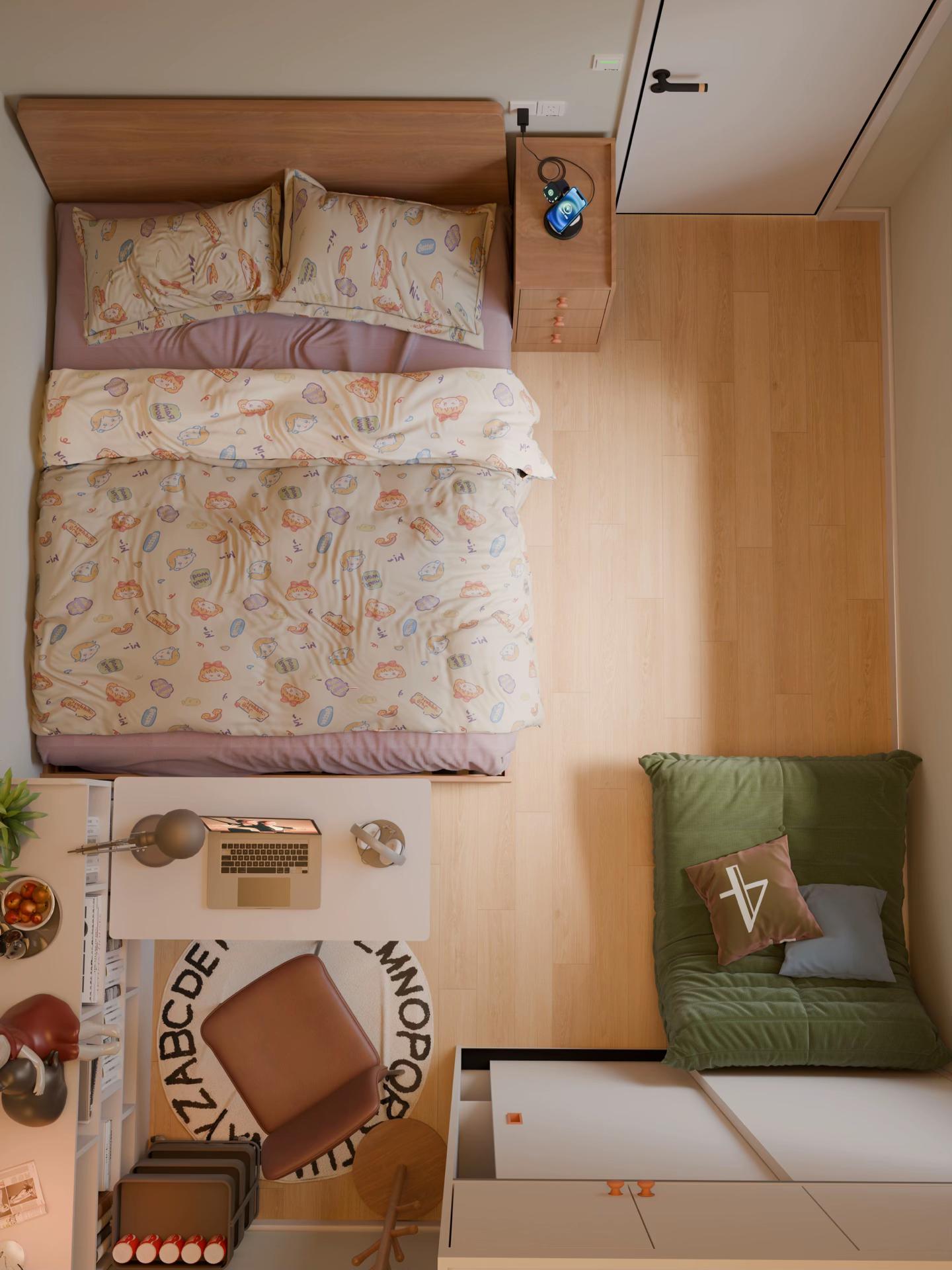
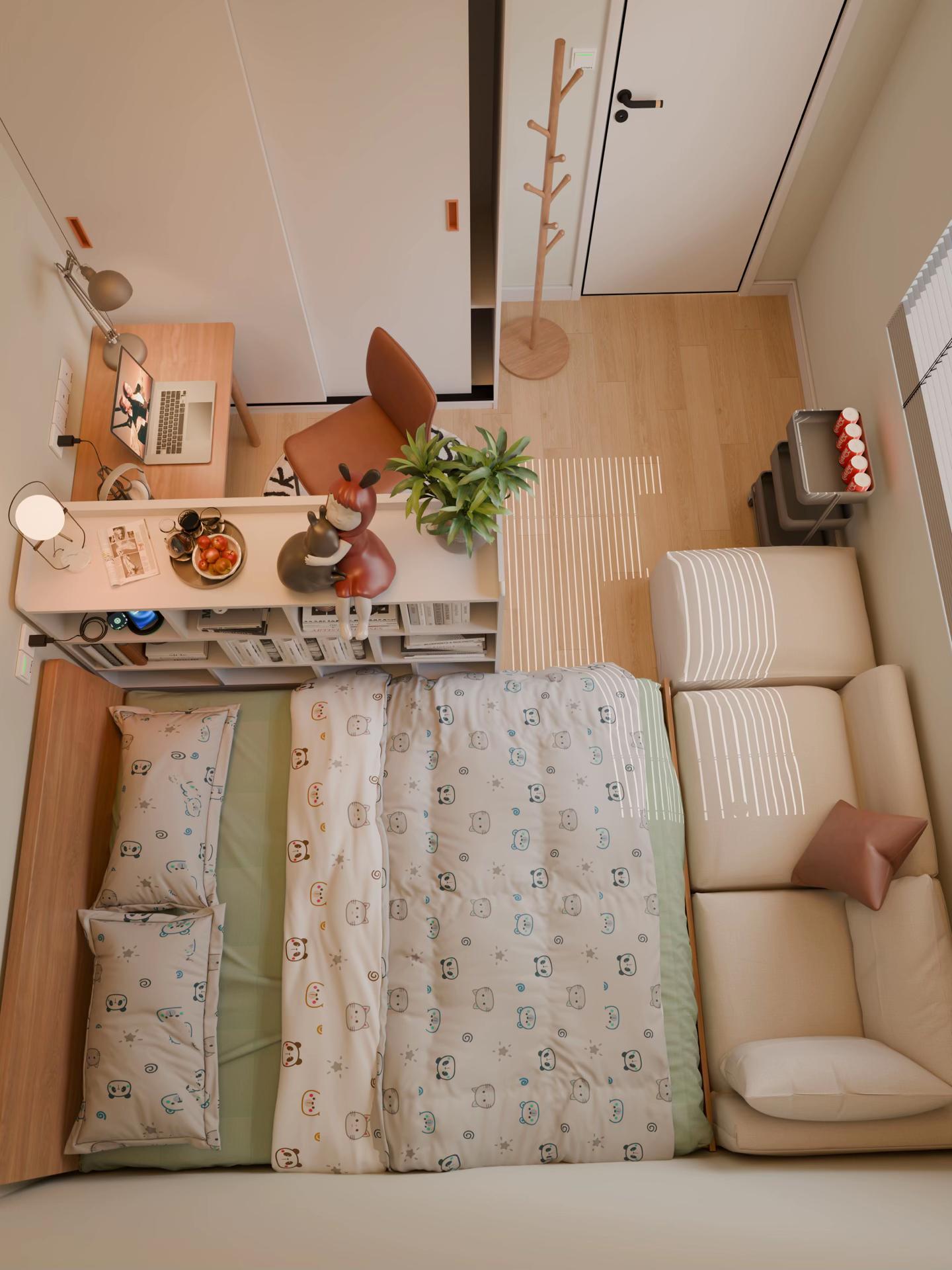
Turn on your current screen and sit as you normally do. Check the area you look at most and how your view changes when turning to pick up another item. Record where reflections appear according to your room’s windows and lighting. Use the room model in SenHOME Web as a reference for looking at the desk and surrounding furniture together. The images here are ordinary bedroom models with a laptop and headphones. Check the space and feel needed for your own screen with your actual equipment.
3. Test switching from keyboard to gamepad
First use the keyboard and mouse as usual, then switch to the gamepad. Check whether the keyboard you put down hides another device or takes up space for your hands. Also choose where to rest the gamepad briefly and pick it up again. If you must repeatedly stack and move several objects to get what you need, change the waiting position. Repeat the same sequence in reverse. Photos of each state help identify devices that do not need to remain spread out together.
4. Give resting devices a place
Assign a return place to headphones, a spare gamepad and input devices not currently in use. Check the relevant product instructions for charging or storage conditions, then place the actual device in the chosen spot. Test whether taking out the required item pulls neighbouring things along with it. The pictured shelves and small furniture are examples for observing surfaces where things can go. Measure and record the size of your equipment and the space occupied by its cables separately.
5. Repeat finishing use and leaving the seat
Use the setup in your usual way, return devices to their assigned places and stand up. Check whether temporarily parked equipment gets in the way when moving the chair back or opening storage. Continue by sitting down again and taking out the input device you need. Change only the positions that make tidying difficult and repeat the sequence. The guide to checking furniture and routes together can help identify points around the desk that need closer measurement.