Quick answer
Agree on deliverables before commissioning the work. To check an interior design project, connect each need to the drawings and information that support decisions and the planned work stage. Check the survey, layout, commissioned details, specifications and revisions. Record what you received, your questions and the approval of each version.
1. Agree on the documents and stages
Ask for a list naming each deliverable, its format, the person responsible and its due date. Identify which rooms are included and how many revisions the service covers. Agree when you will receive the initial study, the developed solution and the details needed for the commissioned stages. Also record planned visits, purchasing assistance and site follow-up. This overview helps identify what to check in each meeting.
2. Check the floor plan and furniture layout
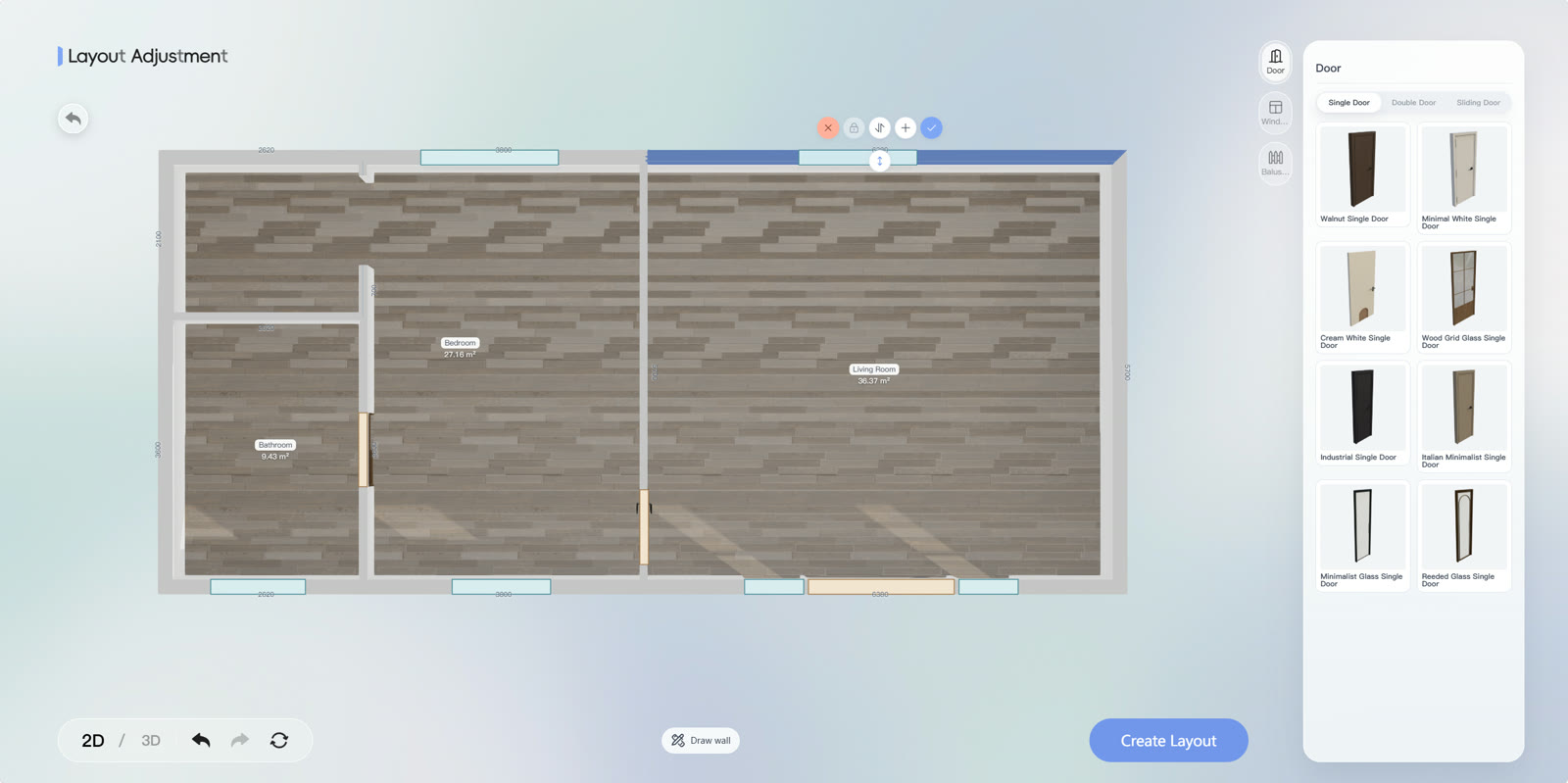
Verify the property identification, measurements, doors, windows and existing elements. Compare the furniture plan with the routines you agreed on. Check access to cabinets, door openings and passage beside seats. In SenHOME Web, use the plan and room views to prepare questions about the furniture volumes. Note each discrepancy and its location.
3. Connect each item to purchasing and installation information
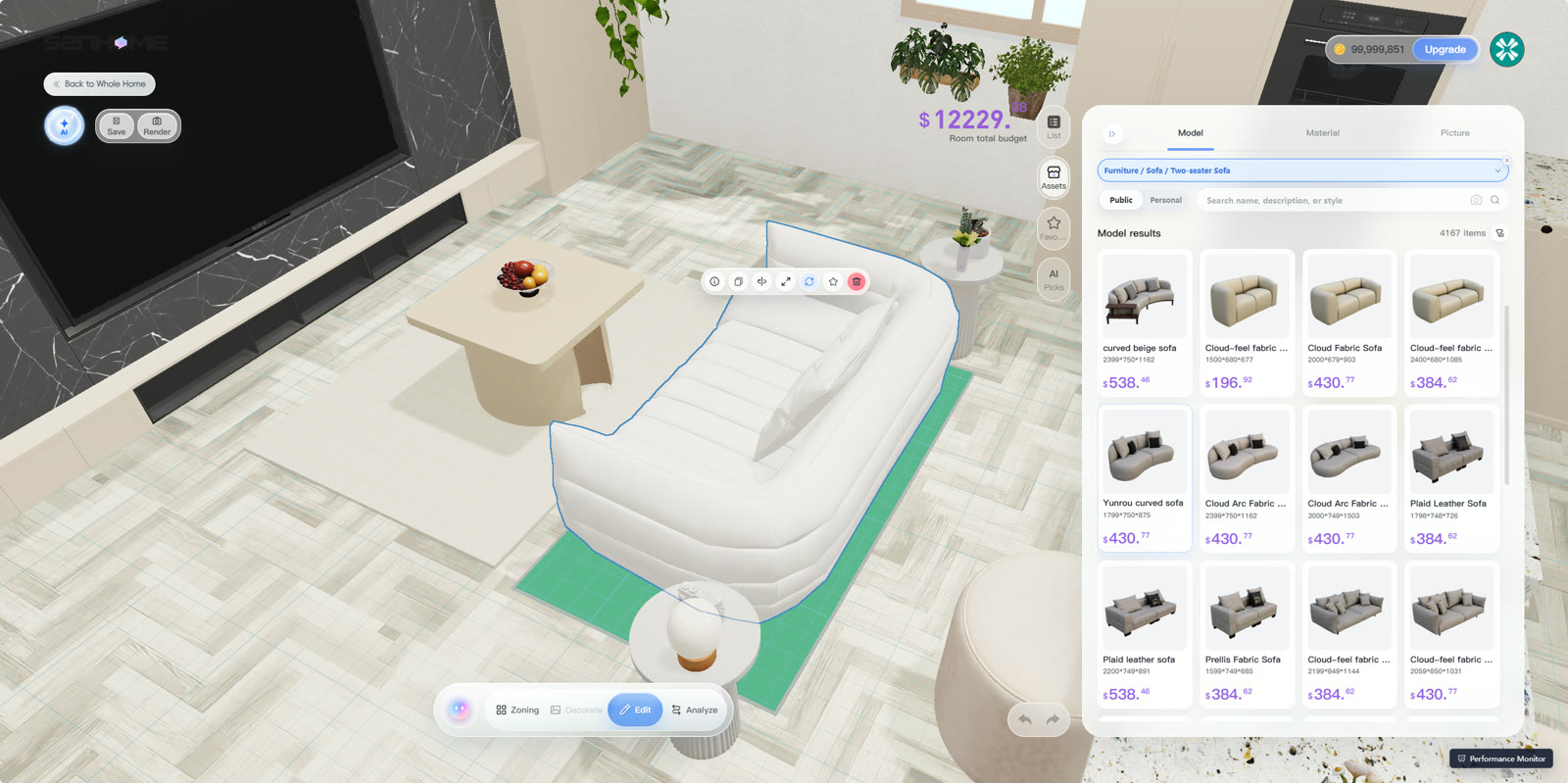
For selected furniture and materials, ask for identification, quantity, dimensions and finish within the agreed scope. Check whether the commissioned details explain how the pieces will be positioned and installed. Compare item references in the list and drawings. For custom furniture, give the supplier verified measurements and your assembly questions. Ask for clarification whenever two specifications conflict.
4. Complete a final review with an outstanding-items record
Check file dates and revision numbers, and make sure corrections appear in every affected document. Mark each point as checked or outstanding and agree on a response deadline. For architectural activities in Brazil, consult CAU/BR’s guidance on RRT. Confirm the registered activities with the professional. Keep the approved version alongside the recorded decisions.
The guide to reading a plan before redesigning a room helps you organize the initial check of measurements and openings.