Quick answer
Use ChatGPT to organize preferences, collect questions and describe furnishing options. Add your own measurements to any room photos you can provide. Then check the suggestions against doors, windows, existing furniture and circulation. Apply selected ideas yourself in your SenHOME design and check actual clearances on site.
1. Describe daily life and fixed requirements
Note who uses the room, what happens there and what causes problems day to day. Measure the room sides and identify doors, windows, radiators and furniture that should stay. Mark whether each piece of information is measured or still unknown. Keep photos and dimensions together so you can later link each suggestion to a specific area. Retain the measured baseline with your notes through every revision.
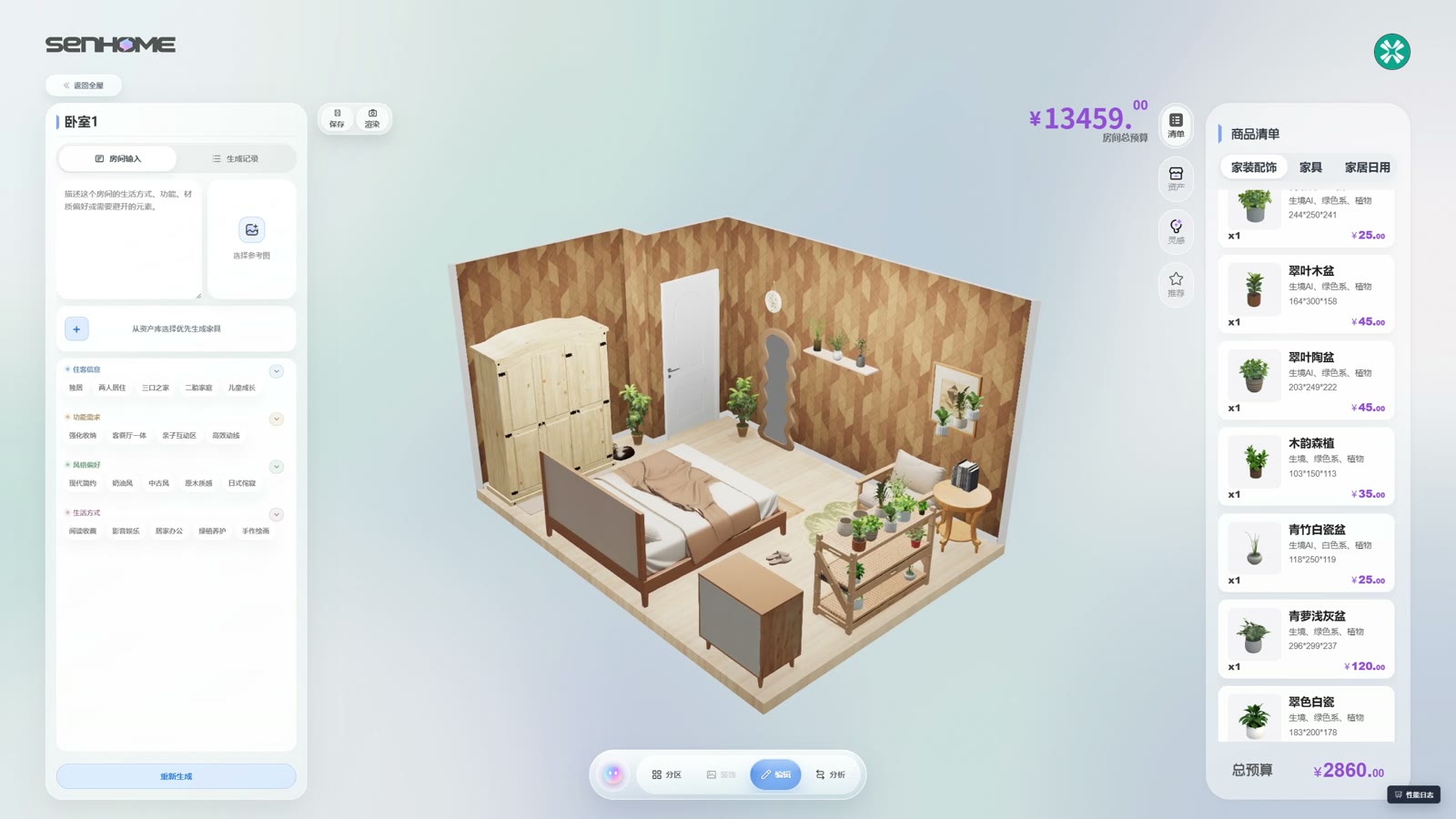
2. Ask a question you can check
If image uploads are available in your account, you can add a room photo through Add photos & files. Explain what your question concerns. Here is a reader example to try: “Prioritize my requirements. Keep the doors, windows and furniture I identified. Describe two furniture layouts with their advantages and disadvantages. List all missing measurements and uncertain assumptions.”
3. Check the answer item by item
Compare every opening mentioned and every retained piece of furniture with your list. Ask about omitted objects or newly assumed room details. OpenAI notes possible errors in image descriptions and precise spatial relationships. Confirm dimensions by measuring and discuss installation questions with the appropriate professional. Record which ideas you can follow and which questions must be resolved first.
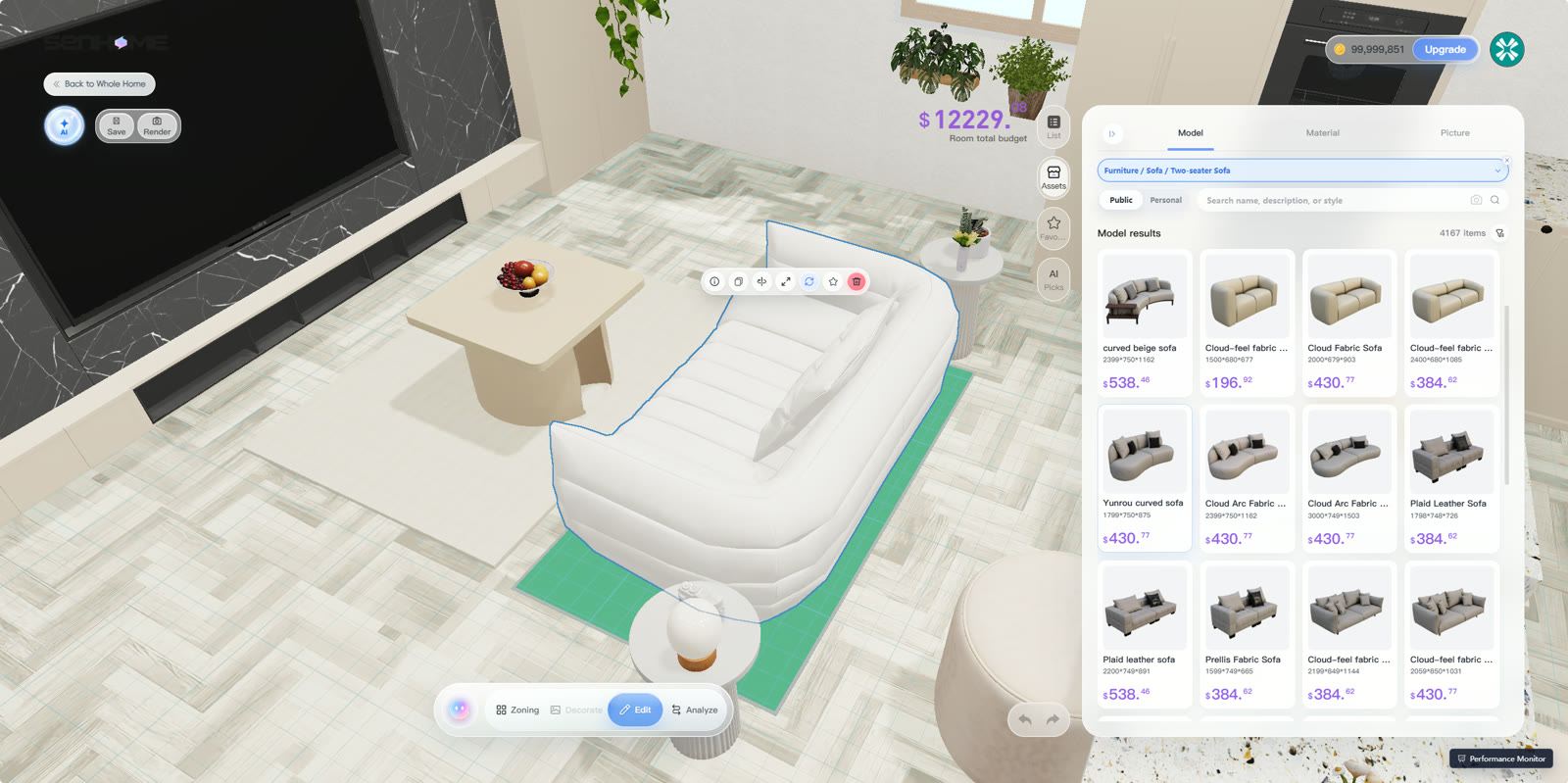
4. Apply the idea and test everyday use
Open your room in SenHOME Web and implement the selected layout yourself. Check entrances, windows and the positions of retained furniture. Look at the design from inside the room and check door and drawer opening. Mark the furniture outlines on the floor, walk the routes and document your changes.
The guide to rearranging existing furniture helps you prepare this check.