Quick answer
The best AI interior design tool is the one that helps you make your next decision. Use a photo-based tool to explore a look, a floor plan workflow to review the layout, or an editable 3D room to test furniture placement. Try the tools with the same room and one specific change. Check how faithfully each keeps the parts of the room that matter to you and whether you can revise the result.
1. Decide what you want to learn about the room
Write one question before trying a tool. That keeps the trial focused and gives you something concrete to compare.
- “Would warmer colours work here?” Use a well-lit photo of your room. Check whether the image gives you useful choices for walls, finishes, or textiles.
- “Can I put a desk near the window?” Start with a dimensioned plan and check the room shape, door, and window positions. A 3D view can make the proposed desk position easier to understand.
- “Can I keep my bed and try a different layout?” Look for an editable room where you can select a single item and inspect the other furniture after each change.
2. Test each tool on the same room
Use the same input and request for each tool you compare. If you have a plan, pick one wall length and two features, such as a door and a window, to verify. If you start from a photo, decide which furniture and architectural features the next image should keep. One trial request might be “Keep the bed and wardrobe. Move the desk near the window and leave a route from the door.”
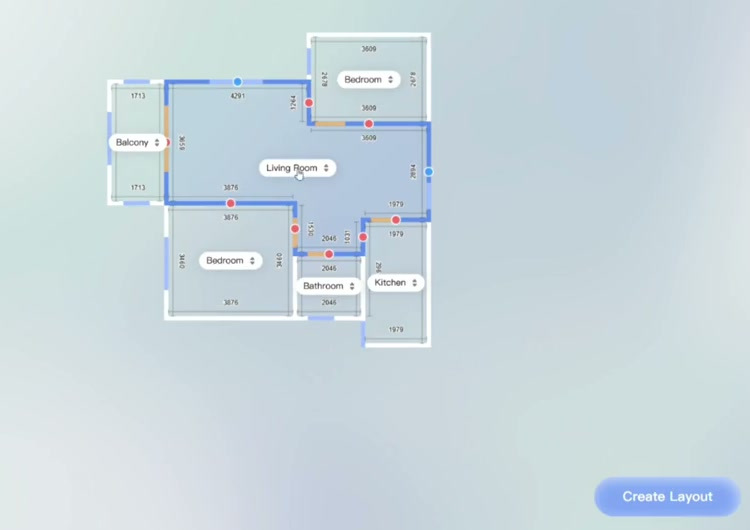
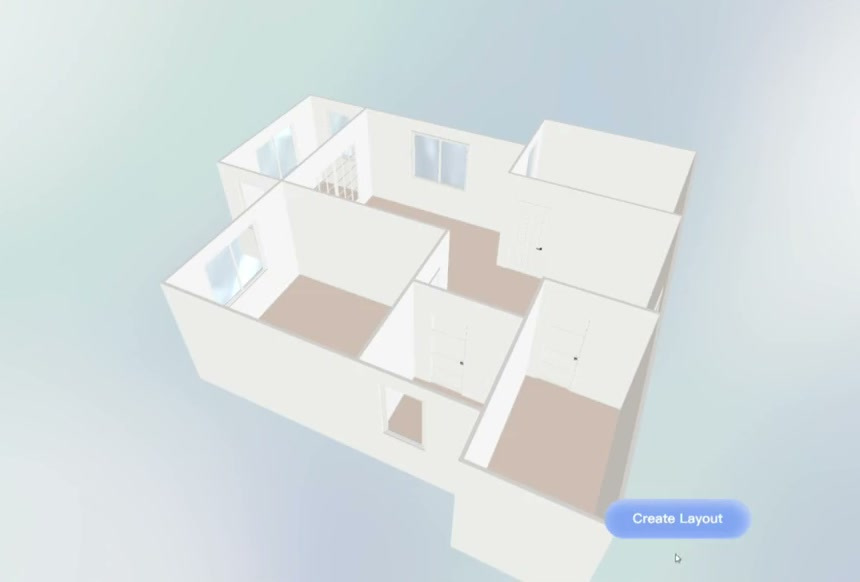
In this SenHOME Web room planning workflow, the room labels and dimensions are visible while the plan is being adjusted. Review that view first so you know which spaces and openings to look for in 3D.
3. Check how you can use and change the output
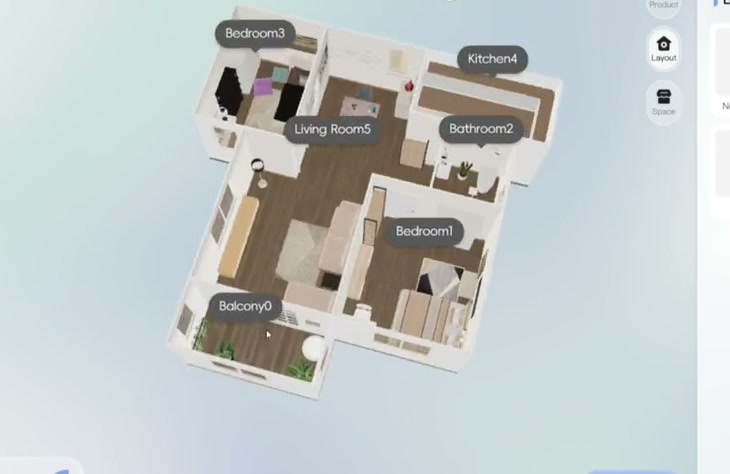
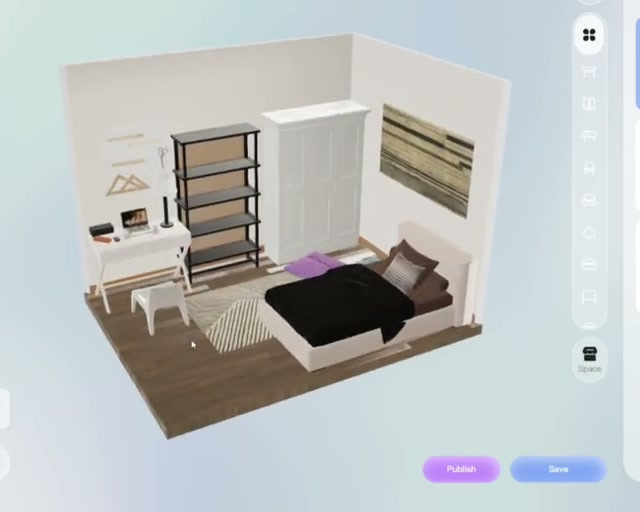
If you are collecting style ideas, an image may give you enough to choose a direction. If you take the project further, open an individual room, change the position of one item and view the result from another angle. After the edit, check that the pieces you want to keep are still where you expect them. Save and reopen the test if you will need to return to the design later.
4. Decide from the trial results
Write down three answers for each tool. Did it keep the important parts of the room? Could you make your one change? Could you inspect or save the result in a form you can use? Check whether the input and editing features you tried are available on the device and plan you expect to use. If you are choosing furniture to buy, verify the critical dimensions in the actual room and against the product dimensions.
For a more detailed example that starts with the room and continues through a 3D design, follow the SenHOME guide to AI interior design.