Quick answer
Collect your references for a specific room on one page. Mark what you want to take from each image, such as a wall color, wood texture or armchair shape. Put the main surface samples next to a photo of an item that will stay in the room. Then choose one clear reference from the board and test it in your 3D model.
1. Include a photo of the room and an item that will stay
Take a photo of the room under normal lighting. Put a photo of the flooring, cabinet or sofa you will keep next to it. Write down what the new arrangement should achieve. In a bedroom, that could mean a calm background behind the headboard, keeping the existing wardrobe and creating a bright area by the window. A brief like this helps you choose references that suit your room.
2. Label what to take from each reference
Sort the examples into finishes, furniture and details. Under a photo of a room you like, note what works for you, such as the warm tone of the woodwork or the soft curves of an armchair. You can use paper or an image editor. Set the large wall and floor samples side by side and put small items next to the surfaces where they would go.
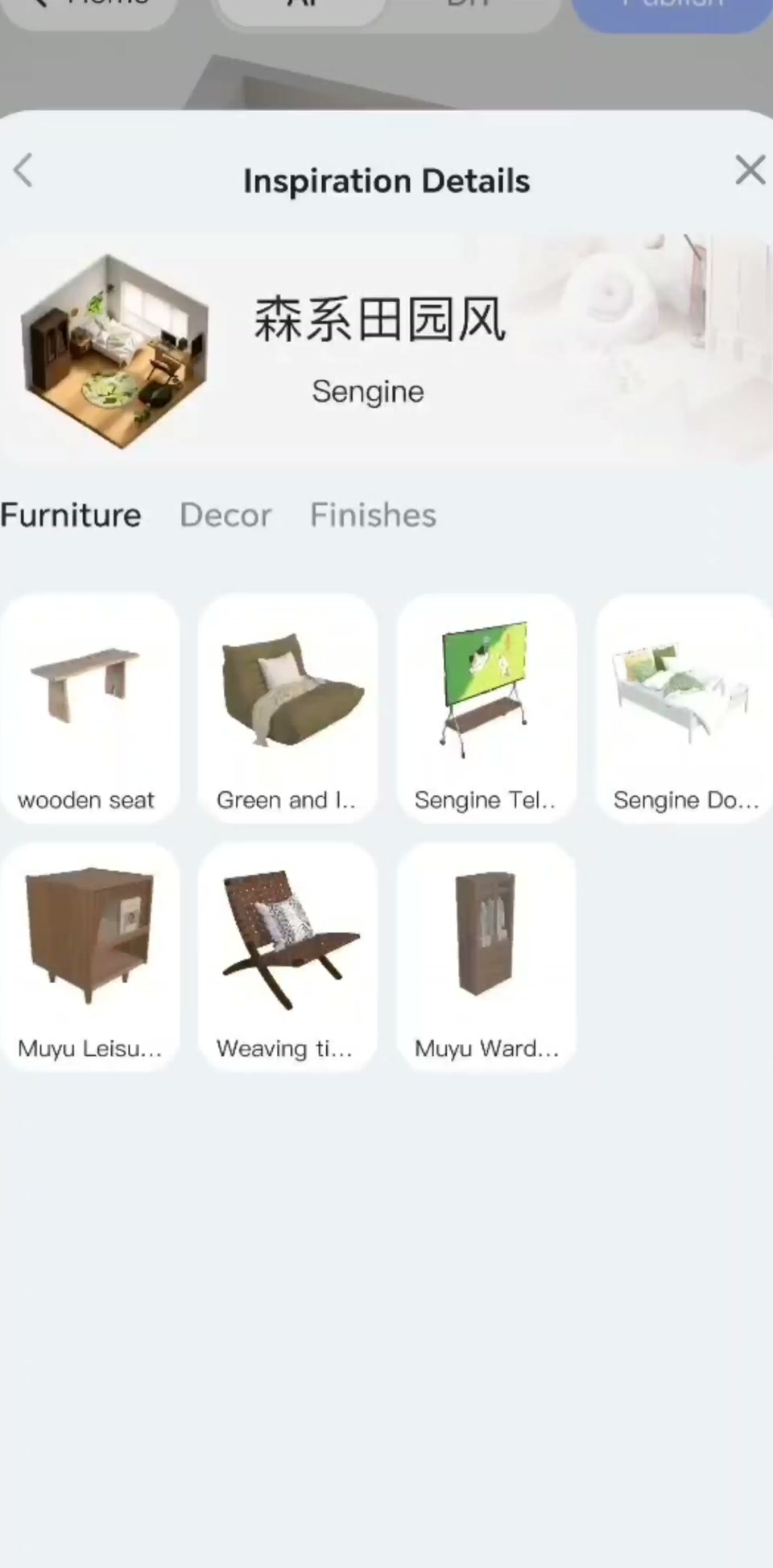
3. Test the mood board in a room model
Choose the reference that best conveys the combination you want. Open the scene in the SenHOME app and add the image using Upload Reference, as shown in the recording. In your description, specify which parts of the reference matter and what you want to keep in the room. Preview the result and compare it with your starting layout. See where the largest pieces ended up and whether the walkways remain clear.
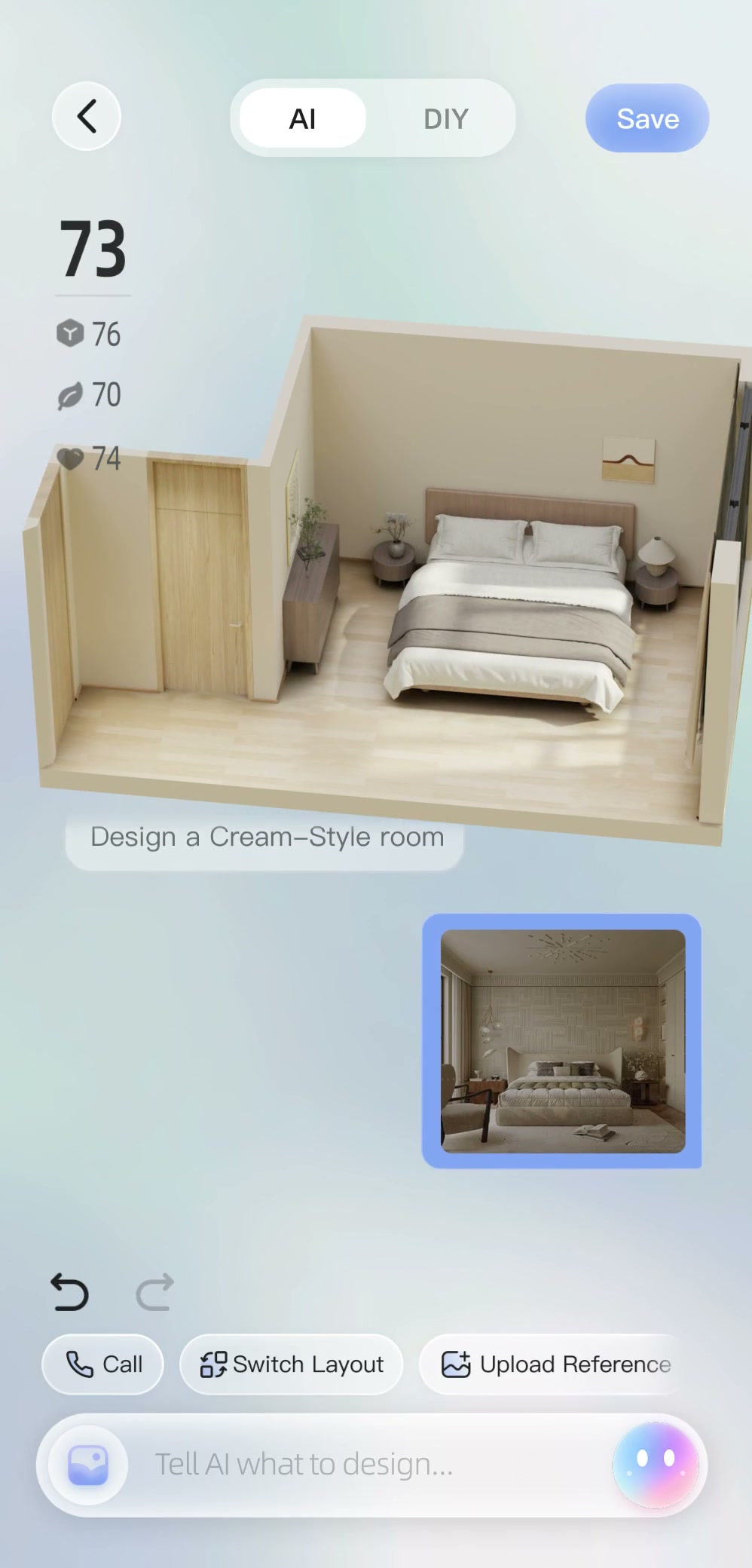
Change the finish, color or shape of one piece at a time, keeping the same view. For example, first look at the wood floor next to the wall finish you are considering, then check the shape of the armchair. Get a physical sample of the material and look at it by the window and in the evening light.
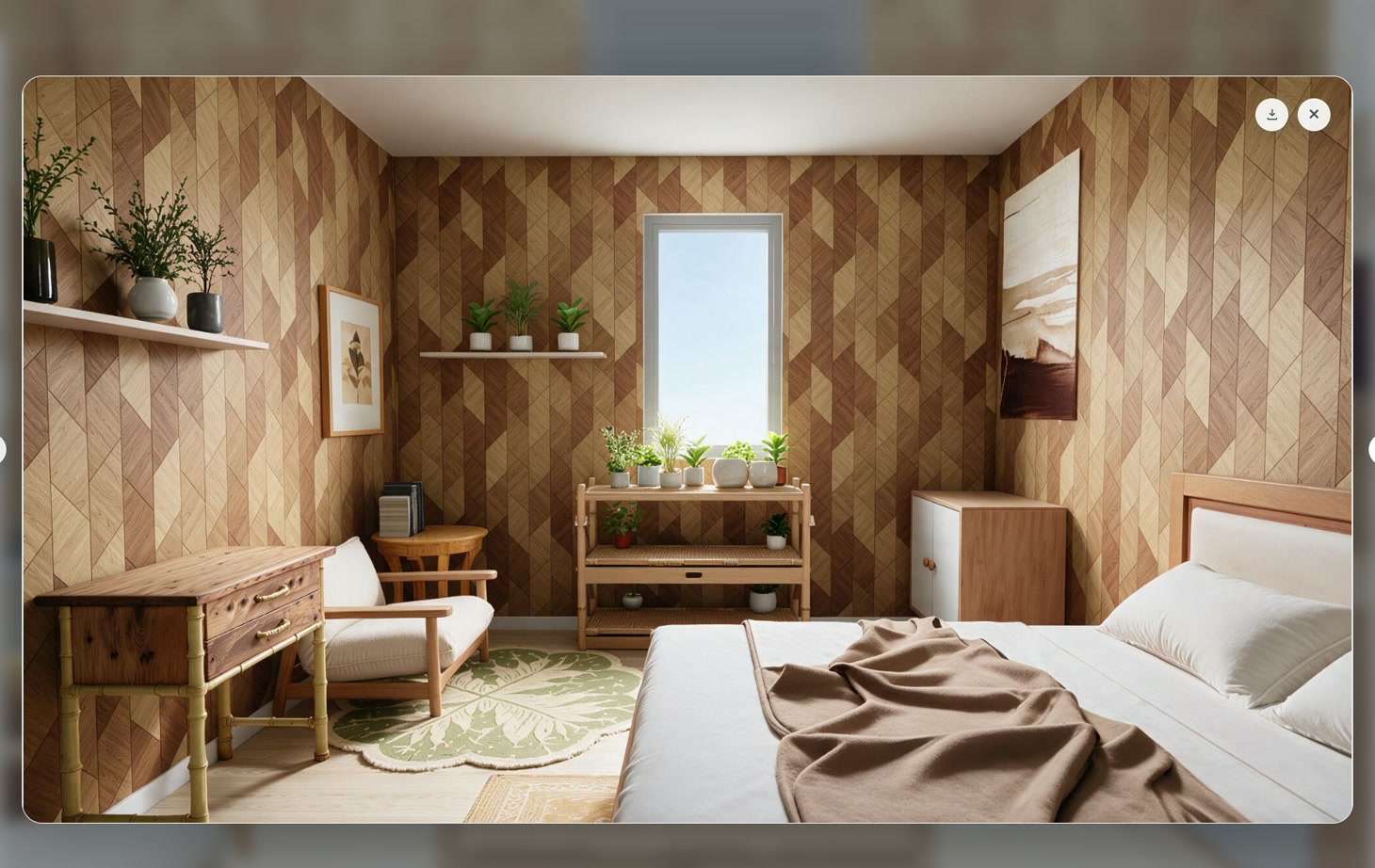
4. Leave a short note about your choice
Below the final board, write what will stay, what you want to replace and what still needs measuring or testing in different light. To pick an overall style and decide which elements to test first, see the guide to choosing an interior design style.