At the start of the recording, the bedroom is empty. You can see a dark floor, light walls and a window at the far end. In SenHOME, a home decorating app, a saved furniture arrangement is applied. The same bedroom now shows a proposed layout with a bed with a green cover, small storage units and a seat. The video captures the change in the 3D model.
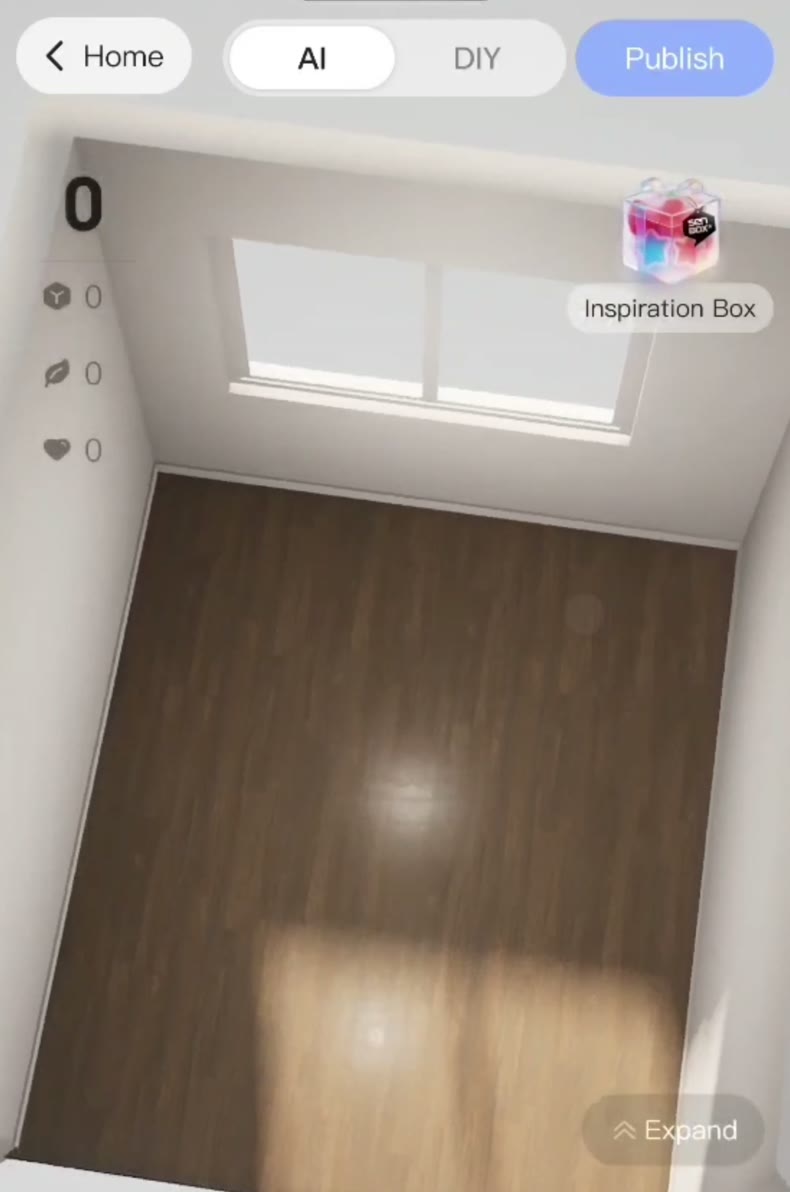
Opening the saved ideas collection
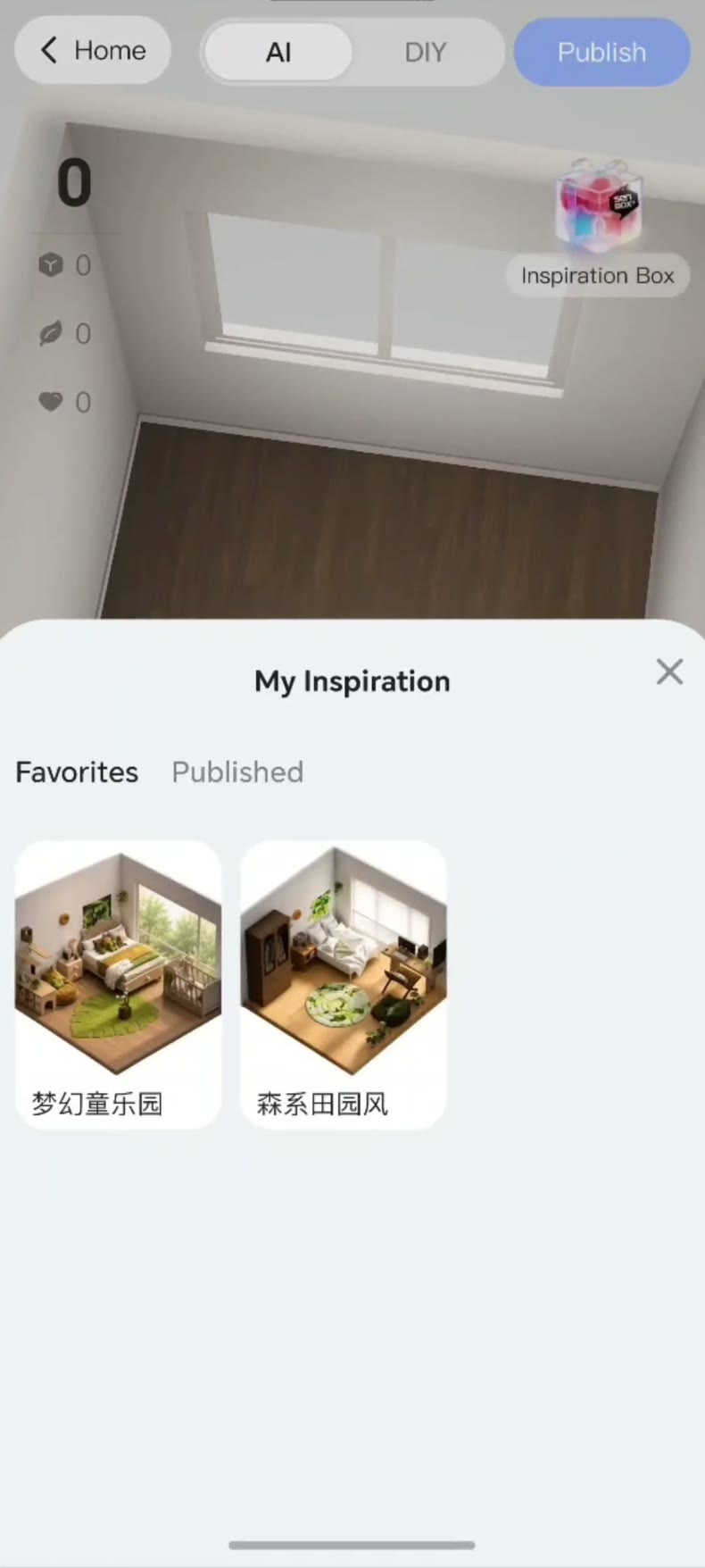
The model is already visible in the SenHOME app. The inspiration control opens the collection of saved ideas. In the recording, the “My Inspiration” tab shows two arrangements to choose from. Opening one brings up a screen where you can see the furniture, decor and finishes before applying it.
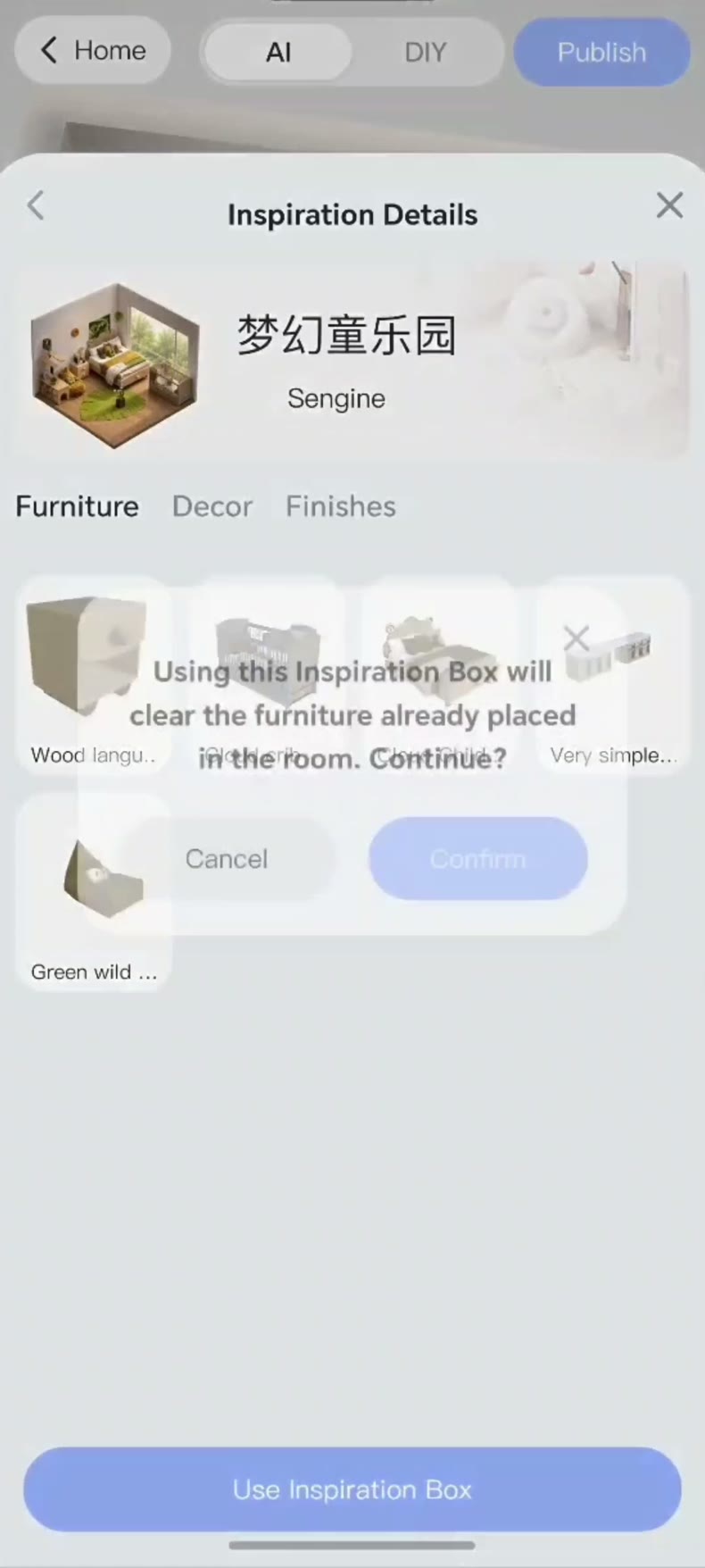
The app warns that applying an arrangement replaces the room’s furniture
Tapping “Use Inspiration Box” opens a warning in English. Confirming removes the furniture already placed in the room. The room in the recording is empty. If you are already working on a furnished bedroom, note anything you want to keep and decide whether to apply the arrangement before confirming.
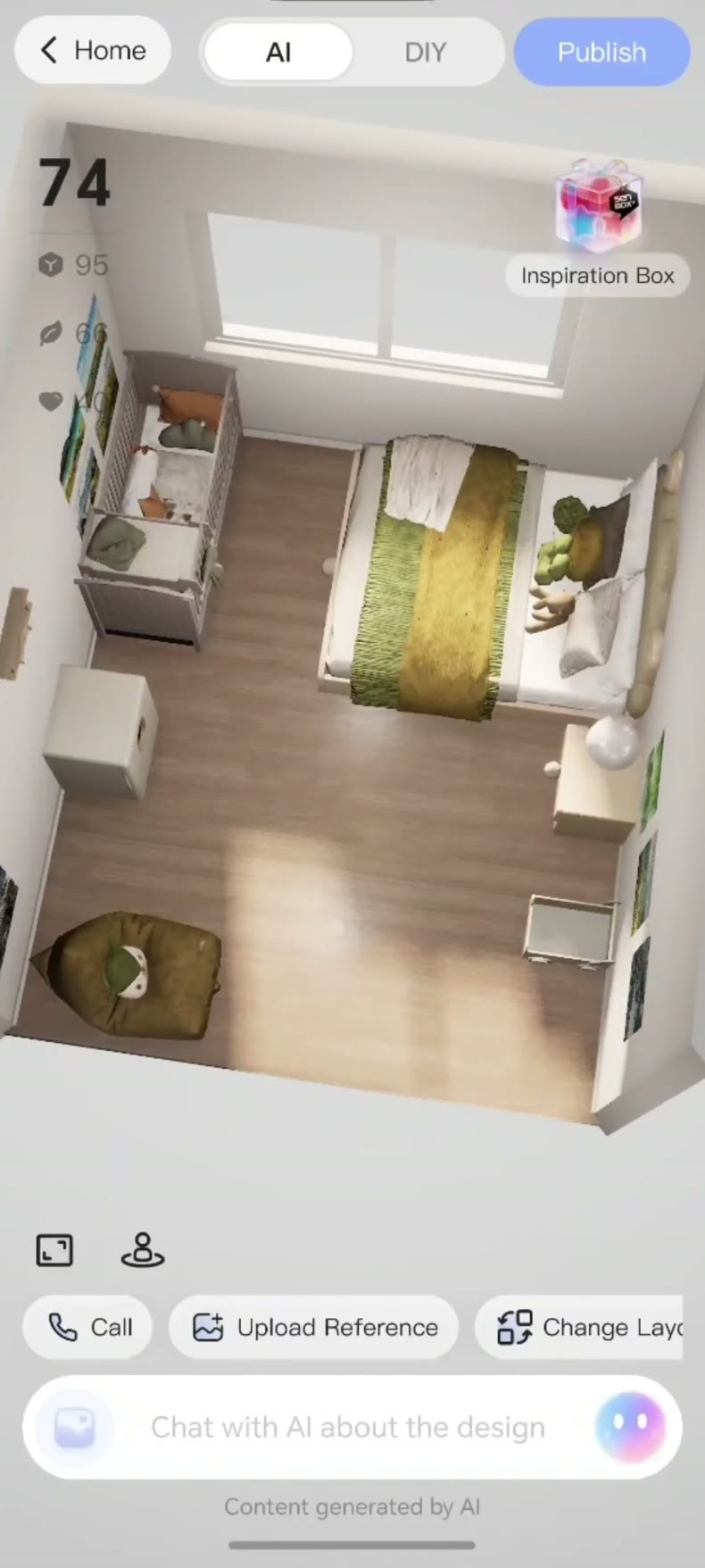
From an empty bedroom to the first layout
Back in the 3D view, you can recognize the window and floor. The bed fills the right side of the picture, storage units are visible on the opposite side, and a green seat appears in the foreground corner. From here, you can see the space between the bed and the low units and decide where to check measurements.
What to check in the actual room
Measure the walkway beside the bed and the space you would need to open cabinet doors or drawers. Use the preview to decide which clearances to check with a tape measure. The SenHOME guide to decorating a small room also helps you check the lighting and where to place storage.