How to Check a Walk-in Closet on Your House Floor Plan
Sort clothing by use and test hangers, drawers, luggage and the place where you dress. Compare the plan with your actual furniture and movements.
Read the full answerSenHOME Help Center
Importing floor plans, redesigning from room photos, and trying furniture layouts in SenHOME.
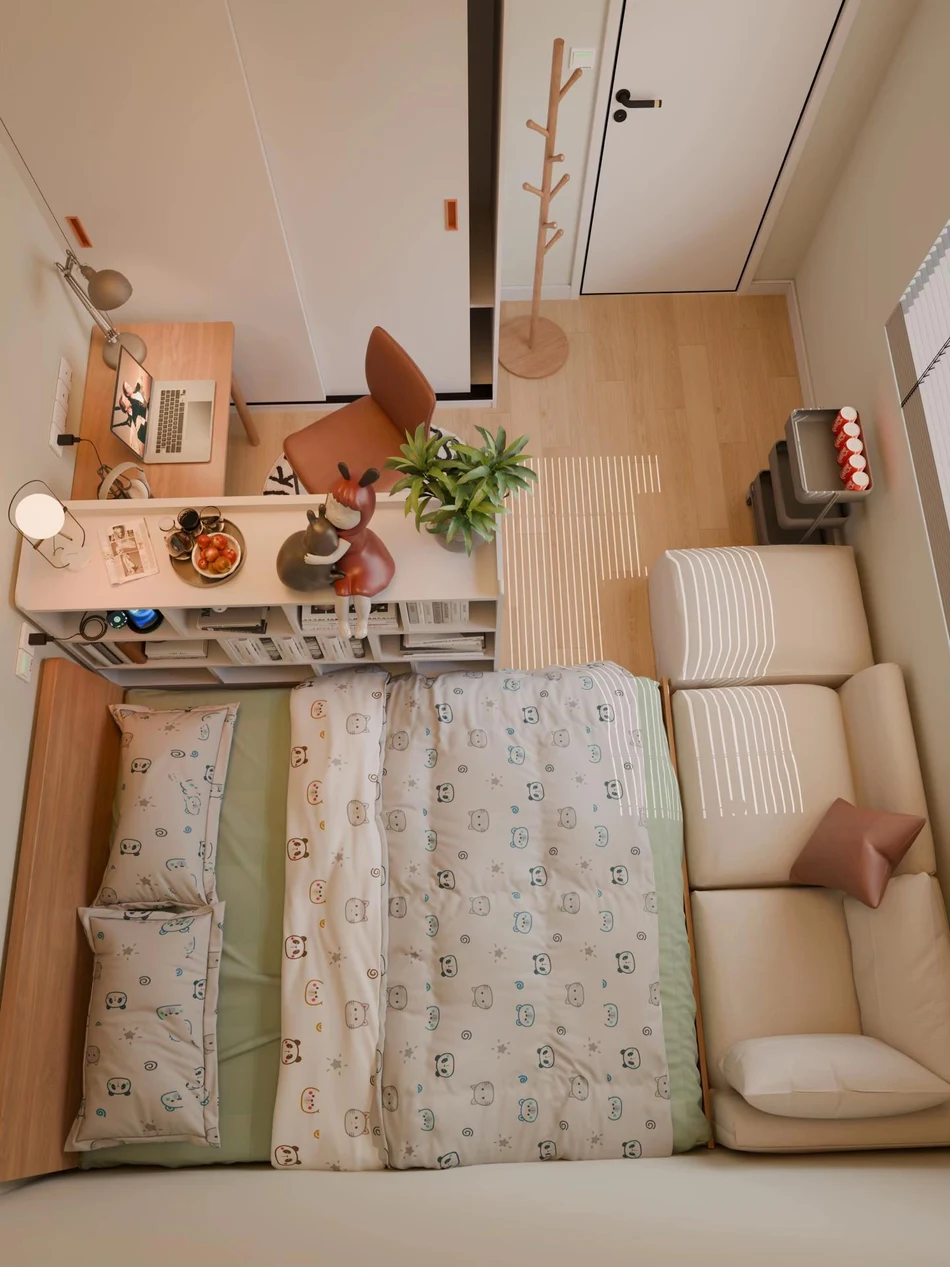
Sort clothing by use and test hangers, drawers, luggage and the place where you dress. Compare the plan with your actual furniture and movements.
Read the full answerCheck where open curtains gather, reach the window handle and test nearby furniture before confirming fabric and installation measurements.
Read the full answerPlan the floor and storage around what comes out for one play session. Use the actual toys to check taking them out, playing and putting them back in sequence.
Read the full answerArrange remotes, books and ornaments on a living room cabinet. Check heights, overlaps and cleaning from the places where you use it.
Read the full answerSwitch between your keyboard, mouse and gamepad to check the space you need. Plan the screen, chair and a place for devices when they are not in use.
Read the full answerStart with a textile you own, compare pattern sizes and add texture gradually. Test the result from your seat while keeping everyday surfaces usable.
Read the full answerTest your room’s lights with real activities, record shadows and reflections, and use digital views to organize what needs checking.
Read the full answerKeep existing doors and windows in place. Choose the items to take to the balcony, the seat and their return locations indoors, then test the actual round trip.
Read the full answerOpen your actual books and notebook to check the reading and writing area. Compare desk and shelf positions by retrieving reference materials and putting them away.
Read the full answerCompare furniture outlines, raised bases and visual weight around the pieces you keep. Test one candidate shape before changing the whole room.
Read the full answerMake room to open your suitcase, put down everyday essentials and find everything before leaving. Test both arrival and tidying up.
Read the full answerKeep existing bathroom fixtures in place and check storage access, door swings and the route for everyday items using measurements and a room preview.
Read the full answerChoose what to look towards from the sofa and group seats around that decision. Compare two layouts before filling the walls of a square living room.
Read the full answerUse eligible Gemini image features to explore a room photo, then manually check doors, windows and proportions before testing the idea in a measured room model.
Read the full answerDistinguish a floor plan idea from text, recognition of an existing drawing and an editable 3D model. Check dimensions and openings yourself.
Read the full answerKeep a preparation surface available and place items around how you use them. Check doors, drawers and movements around existing equipment.
Read the full answerPlan where to put keys, bags and shoes when you arrive. Compare shallow storage and check the door’s movement using real measurements.
Read the full answerKeep existing appliances and connections in place. Plan basket positions, a folding surface and storage, then manually check doors and working space.
Read the full answerCompare metal, wood, dark accents and softer textiles around your current furniture, using small material tests before making changes.
Read the full answerCompare wood tones, quiet colours and texture around the furniture you own, then test a small Japandi-inspired change in your room.
Read the full answerOrganize sleeping, daytime activities and storage in a small studio. Check the view from the entrance and prepare an easy transition between day and night.
Read the full answerBuild a project cost worksheet from planned tasks, usable Credits and the current checkout terms before buying a subscription or top-up.
Read the full answerCheck furniture when closed, unfolded and used for storage. Plan where loose items go and test each change of use before furnishing a tiny home.
Read the full answerResolve A and other plan abbreviations using the legend, drawing details and author. Check doors, windows and dimensions before transferring information into a room model.
Read the full answerUse a room checklist to check what the AI recognized, what changed and which measurements need confirmation before you choose a design.
Read the full answerUse the plan to locate furniture and perspective to see height, depth and overlaps. Check both views against real measurements of your room.
Read the full answerStart with a task, measurements and observation. Compare layout and materials one change at a time, keep notes and check decisions in the room.
Read the full answerOrganize an interior design brief with ChatGPT, then check suggestions against your measurements, fixed elements and a SenHOME model.
Read the full answerSelect the wall in the model, open Material and Wall, and compare finishes from the same viewpoint. Check the choice with physical samples in the room.
Read the full answerTurn daily needs into functional areas, furniture choices and decisions you can test in your own space.
Read the full answerOrganize your space, finish and furniture needs to define the service to commission and the checks your renovation requires.
Read the full answerTry black with warm white, wood, beige or green. Adjust the amount of dark surface and check real samples in the light of your room.
Read the full answerPlan bed access, reading light and storage for both people in a shared bedroom. Check the layout against your routines before buying furniture.
Read the full answerGive each part of an L-shaped living room a purpose, keep the turn clear and test routes between the sofa, table and doors before choosing furniture.
Read the full answerMap where you can stand comfortably, position furniture beneath the slopes and check your routes before furnishing an attic studio.
Read the full answerAgree on drawings, specifications, revisions and acceptance checks so you receive an interior design project you can use.
Read the full answerDraw the room outline, place furniture as simple shapes and make a perspective sketch. Real SenHOME 3D screens provide a reference for observation practice.
Read the full answerArrange the bed and wardrobe around the shape of a small bedroom. Compare narrow, square and L-shaped layouts, then check doors and walking space in the room.
Read the full answerBuild a furniture, appliance and delivery worksheet with dated local quotes, then compare the total with your budget.
Read the full answerStart with a small room-planning task and check Free access, credits, saving and export rights before confirming a paid action.
Read the full answerPresent the floor plan and 3D views in the order of the decisions. Compare walkways and furniture, then note what still needs checking.
Read the full answerMeasure the usable width of a long living room, leave a continuous route through it, and compare sofa and furniture depths in a 3D model.
Read the full answerPosition the sofa and TV in a small living room. Test the door swing, viewing angle and walkway before settling on the furniture.
Read the full answerFind an existing floor plan through your records, the people who worked on the house or the local permit office. Check the document before using it in a design.
Read the full answerSee how placing furniture parallel to the wall affects doors, storage and walkways. Compare layouts in 3D, then measure the room before moving anything.
Read the full answerUse a measured room model to compare finishes and furniture before a remodel. Leave structural, electrical and plumbing decisions for an on-site review.
Read the full answerBuild a mood board from your own references, sort out colors, finishes and furniture shapes, and check those choices in a 3D room model.
Read the full answerMake space for sleep, daily activities and storage in a small apartment. Compare two layouts and check the walkways with doors open.
Read the full answerChoose an accent wall, compare three finishes in the same bedroom in SenHOME, and decide whether that contrast works for you.
Read the full answerApply minimalist interior design with three choices about furniture, storage and finishes. Compare the effect in a 3D view before making changes.
Read the full answerCompare AI interior design tools using one room and one change. A SenHOME Web walkthrough shows how to check the plan, 3D preview, and room view.
Read the full answerUse a kitchen floor plan and a 3D preview to check worktops, cabinet doors, and appliances, then verify the critical clearances in the room.
Read the full answerUse three compact bedroom layouts to see how the bed, desk and storage affect the walkway, then check window access and dimensions at home.
Read the full answerSet up living and dining zones, leave room for pulled-out chairs, and use a SenHOME 3D preview to check how both areas work together.
Read the full answerMeasure a room with a tape, make a simple floor plan from scratch, and check its walls, doors and windows in SenHOME before furnishing it.
Read the full answerChoose an interior design style around the furniture you own, the light you get and how you use the room. Try a direction on your own layout in SenHOME.
Read the full answerLearn to read floor plan dimensions, check door swings and furniture fit, and use SenHOME to preview a new layout in an editable 3D room.
Read the full answerUse SenHOME to compare furniture, textiles and wall colors in a room you know. Keep the same view and change one thing at a time.
Read the full answerTell SenHOME which furniture should stay, try a different arrangement and check the result against real furniture dimensions and walking space.
Read the full answerDecide which room to start with, choose materials that connect the spaces, and check walkways and furniture on one 3D apartment plan in SenHOME.
Read the full answerDecide whether to start with a room photo or a floor plan in SenHOME, then check the generated 3D room before comparing furniture layouts.
Read the full answerNo questions match. Try another search or choose All.